Showing posts with label art. Show all posts

Sunday, October 20, 2013

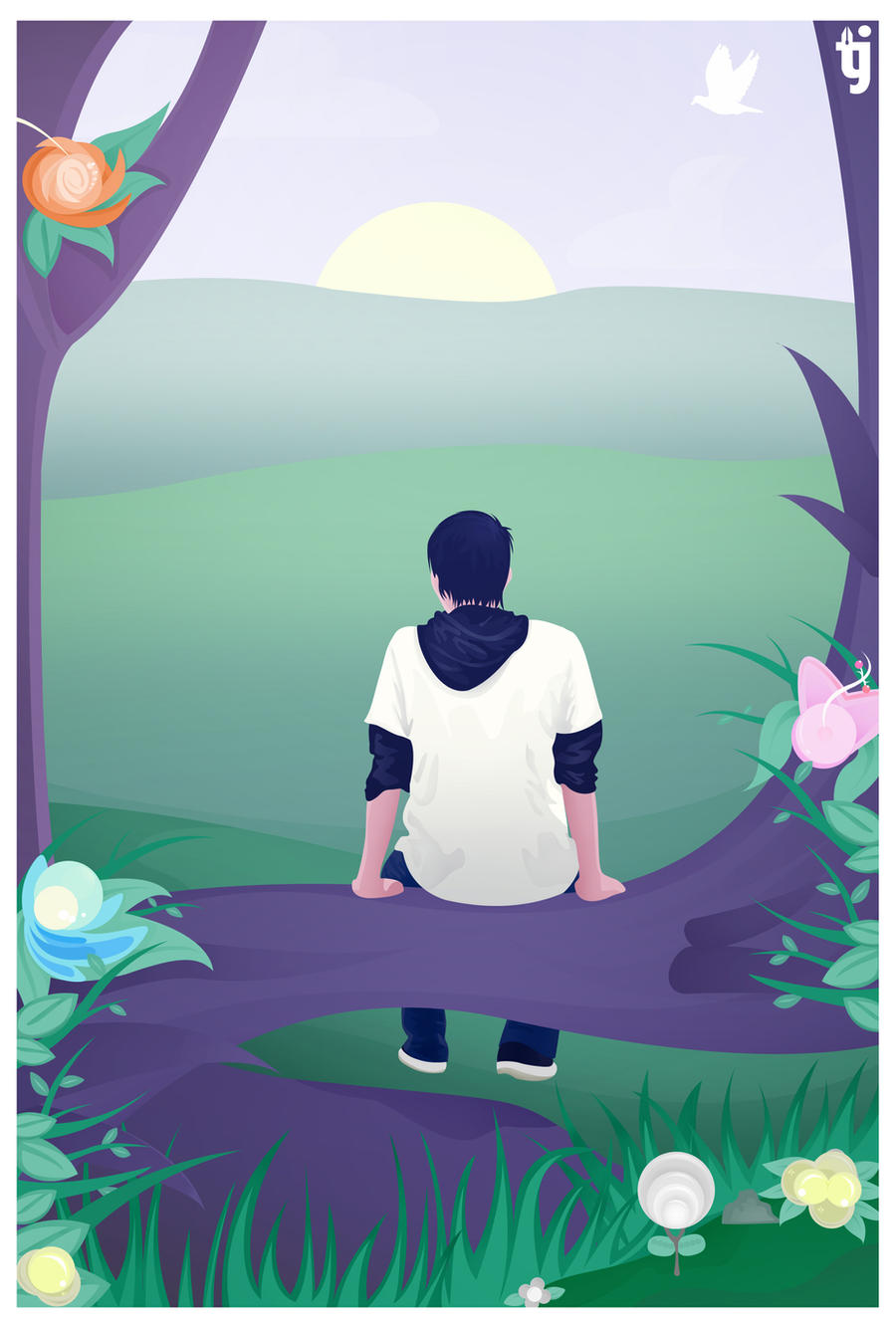
"Thinking of You" by Matthew Parker

Art by Tactician Jenro

I'm always looking out for music I find interesting and just recently discovered Matthew Parker, a new Christian artist who's just about the same age as I am. 

One of my favorite songs he wrote is "Thinking of You" an Owl City-sound alike song. I decided to make this fanart out of it, based on the lyrics in the song. You can listen to it here. 

Definitely check out his music up on iTunes or listen on SoundCloud. He's a talented musician giving honor and glory to God through his skills. 

If you're into dance music, chillstep/dubstep, electronic/trance music, then you'll definitely like most of Matthew's songs.

Sunday, September 22, 2013

Using Burn/Dodge Tool to make Digital Portraits

Hi everyone! Sorry for the lack of updates here at the blog. Hopefully here's something that would inspire you to keep making art that matters to you. :)

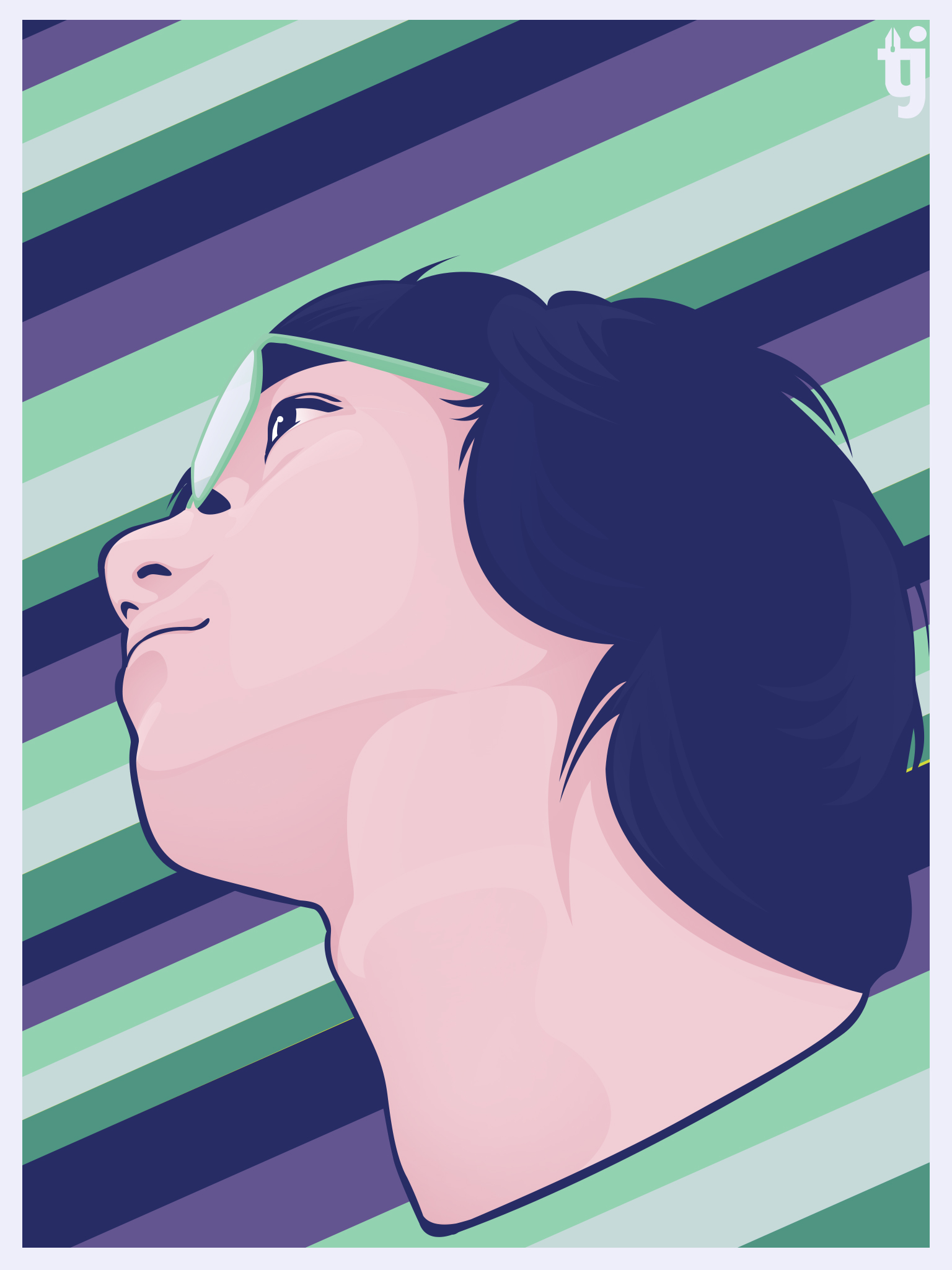
While vexel portraits are mainly used with the pen tool, it would be interesting to do experiments and try making portraits with different tools and methods. The burn and dodge tool, as well as the gaussian blur filter, was something I proved had its uses in making cool digital portraits, although they won't be called vector/vexel anymore. :)

One of my earlier works last year was "January", a portrait I made for a friend.


I didn't record what I exactly did, but first I start of with the pen tool to create the shapes for the hair, face and shirt. The hair strands, using the pen tool, and then I experimented with the burn and dodge tool to make the shadows. Check out the basic tutorial for using these tools here. 

Here's another example, this time using mixtures of the pen tool, gaussian blur, and the burn/dodge tool.


The burn/dodge tool is often used in making photo enhancements but works well with adding shadows to portraits like these too.

I'd like to improve and venture on with making art, so hopefully in the next days, I'd be sharing more stuff with you guys.
Thanks for reading!

-Tactician Jenro

Sunday, July 28, 2013

Process: Candy Crush Saga Fanart


Candy Crush is a popular game right now that appeals to both young and old. With it's simple yet addictive gameplay, it's a game you really would remember. 


My mom really loves this game. It's bright, happy and one day I just thought about a story for it - and so the fanart unfolds..  

Step 1: The Drawing

On a sketchpad, I drew this sketch of a girl giving this guy a lollipop. With a scanner, let's scan the sketch and open it on Photoshop.

Step 2: The Coloring

With the pen tool, I then proceeded to create shape layers to fill in a solid color to the young girl.

Monday, July 22, 2013

Jetpack Joyride Fanart Feature


My Jetpack Joyride fanart! :)

This was featured in the Jetpack Joyride facebook page last April. Check out the feature here, with more than 3,000 likes and more than 200 comments.

I made this in Photoshop. I also just might show a bit of a tutorial on the process soon, since I have the raw file backed up still. Stay tuned to that! 
Really awesome to see that a lot of people loved it and saw the Nyan Cat parody. The rainbow jetpack is my favorite.

Sunday, July 7, 2013

Inspiration: 3 Artists That Inspire Me

So many artists out there are truly out of league when it comes to skill, passion and dedication in making their artwork. And often they talk as if making their art is really easy. But I know it's not that easy and takes a lot of hard work and support.

While I have not known a lot of artists yet, I have quite a few who have inspired me to move on greater heights and have given me hope and a smile on my face.


Andrias Taniwan / Poporetto

Procrasteanation by Poporetto
Andrias, most known as Poporetto, is from Indonesia and writes some very cute comic strips that are both unique and funny. His strips are mostly about the Christian faith and some day-to-day experiences. The thing I love most is how he makes these stories into light-hearted versions.

You can check out more of his comics on his website and his deviantart profile here.

DestinyBlue

'Trapped by School' by DestinyBlue
Discovering the artist DestinyBlue was like finding a pearl in the ocean. Her works are amazing and what I like most is that they tell a story of inspiration, of struggle, and moreso, of hope. This artwork she made is my personal favorite. She has a huge following and I understand why. I am really inspired by her. Check out more of her artwork here and her facebook page here.

Her page says that she draws from her heart and she creates for the love of it.

Cyril Rolando / Aquasixio

Pursuit of Happiness by Aquasixio
Aquasixio is incredibly admirable. The talent he has is a huge gift - to create such paintings that have such a deeper, valuable meaning. Just awesome. That, and he is a clinician psychologist who makes digital paintings as a hobby. 

You can check out his page here and youtube channel here.


I will feature some more artist in the days to come. 
Hope that these artists have inspired you as they keep inspiring me. Thank you for reading the blog!
Don't forget to subscribe to catch the latest posts!

Friday, June 28, 2013

Vector Portraits: Making Hair Strands (Basic)

I've made a video tutorial on making hair strands for vector portraits. I remember finding it so much fun to do and very interesting. Often, when I am making these portraits, I really have no idea how it's gonna turn out but then I surprise myself when it comes out really beautiful.


So here's the video. It's not actually a tutorial though - I just captured how I make the process for the base hair, and haven't put it into much detail. (Sorry about that.)

With the pen tool set to make paths, not to make shapes, I create single curved strokes and then while holding Ctrl + Alt, I drag each stroke to duplicate it and to make multiple copies of paths. With the brush set to Opacity 100% and the second default Hard Round brush, I stroke the path and...voila!

The video shows me how I copy all these to make the hair of the subject. Well, I didn't really capture how I made the rest of the hair, and wishing I did, but for the rest of the hair, I've done the same process except with varying colors and brush sizes. 

And here is how it turned out when I finished making it.
Just Kerryn by tacticianjenro
Sorry about not explaining how I made the rest of the portrait but hopefully I could make more tutorials in the near future. I made this last September of 2012. And also, let me just add that Kerryn makes very good food. :)

Thanks for reading!


Thursday, June 13, 2013

Artwork: Hope at the Edge

"Hope at the Edge"
Colored by Tactician Jenro
Drawing by Sent16
Inspired by the drawing of a fellow artist, I colored one her works showing a young girl, with her head rested on the bed...holding on tight to a part of the blanket that is colored somewhat like a rainbow. She appears to be dreaming and holding on tightly to hope.

And I know there is hope for me, too, that someday things will get better and the future will shine brighter. There's hope. Keep trusting and believing. 

Tuesday, June 11, 2013

Vector Portraits: An Introduction

Vector Portraits

Digital and vector portraits are popular nowadays. It makes a great gift for friends and loved ones, and in my experience, it's also a great way to train on keeping us focused. Vector portraits are not too hard to make, but of course you need a little bit of learning. But learning is a great thing, right?


"Geraldene" by Tactician Jenro
I first found my interest in vector portraits when my friend introduced me to a Filipino group of vector artists called Vector X Vexel PH. Prior to that, I wasn't as interested in making art as I am now and it helped me to take a leaf and try to learn. Since then, I made more and tried my best to improve. Here on the left is the first vector portrait I made from a year ago. I think it looks okay for a first. :)


A self portrait I made.


The Process

Vector portraits are not created from scratch. You take a reference photo of the subject you'd like to create into a portrait, and basically try to "remake" the picture and make it into a digital one.  

This is all made possible with the pen tool.  It's a very versatile tool found in software like Photoshop and Illustrator and you can learn the basics to using it in this tutorial. This is the most important tool!


I won't be going to the entire process in detail, but I'll try to write some "how-to" posts on how I make some of the portraits next time. :)


But, if you'd like to learn more, there are a lot of tutorials around YouTube. I also recommend going to this site and it has everything you need to know about vector portraits.


I hope that encourages you to try it out. Thanks for reading!